 COME
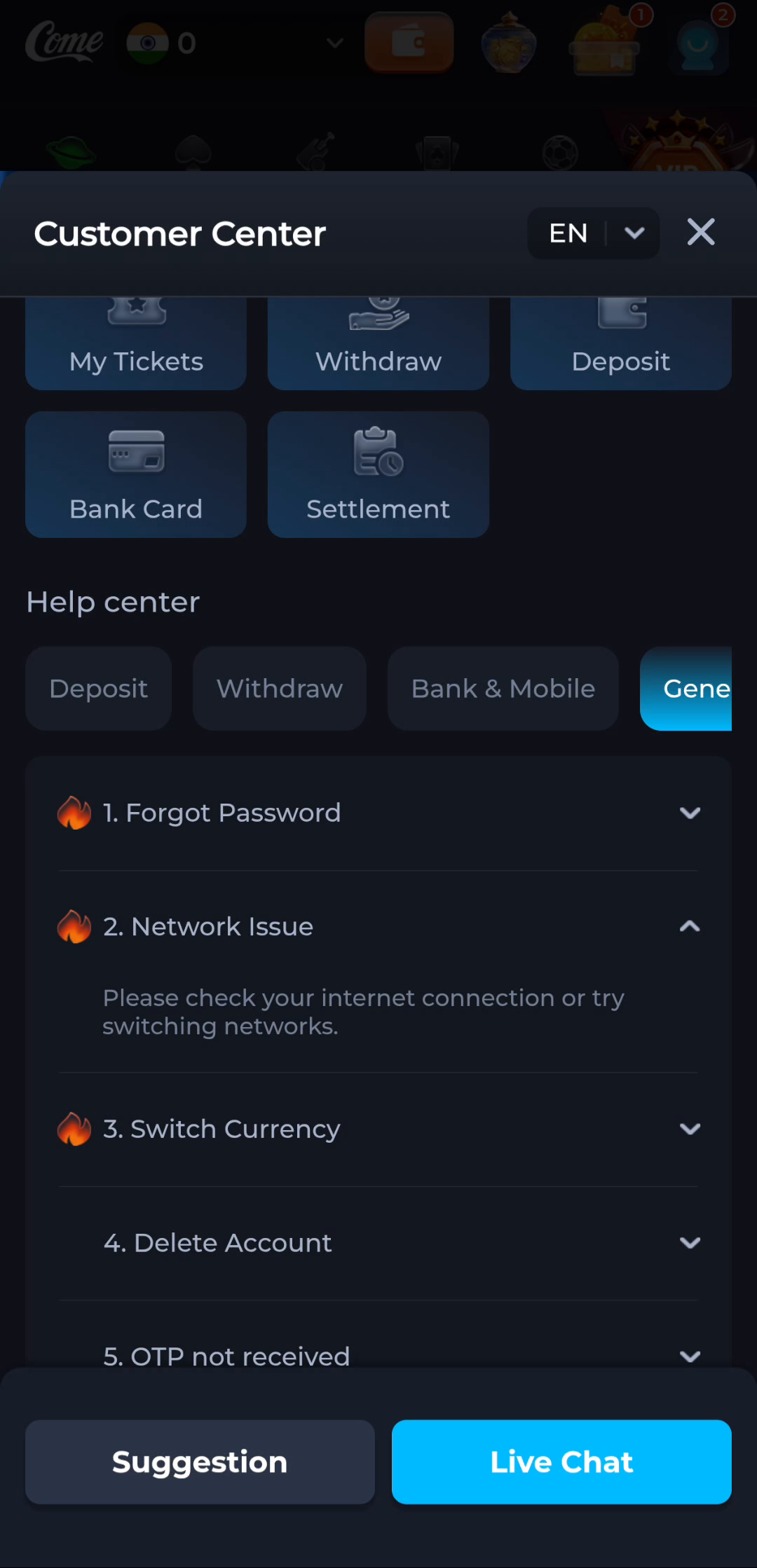
COMECOME Network Issue help: make a useful first check
The COME Network Issue help topic points to checking the connection or trying another network. Test one condition at a time so the result is clear.
Start outside the app
Check whether a trusted page opens in the browser. If it does not, address the connection first. If it does, note whether only one COME screen fails or the entire app is unavailable. This helps narrow the report without claiming a cause.
Make a controlled comparison
Where practical and allowed by your plan, compare Wi-Fi with mobile data. Retry the same action once on each connection and note the time. Changing several settings at once makes it harder to understand which condition mattered.
Report the observation
Say what opened, what failed and which network was used. A successful connection test does not guarantee that every service is reachable. Avoid clearing account data or reinstalling as the first response to a transient error.
A useful next step
Use the current Customer Center route if the same action continues to fail after a basic connection check.